AetherTV
Watch YouTube & livestreams together - right inside FFXIV.
A Dalamud plugin that projects video onto an in-game minion's screen, perfectly synced from a host to everyone in the room.

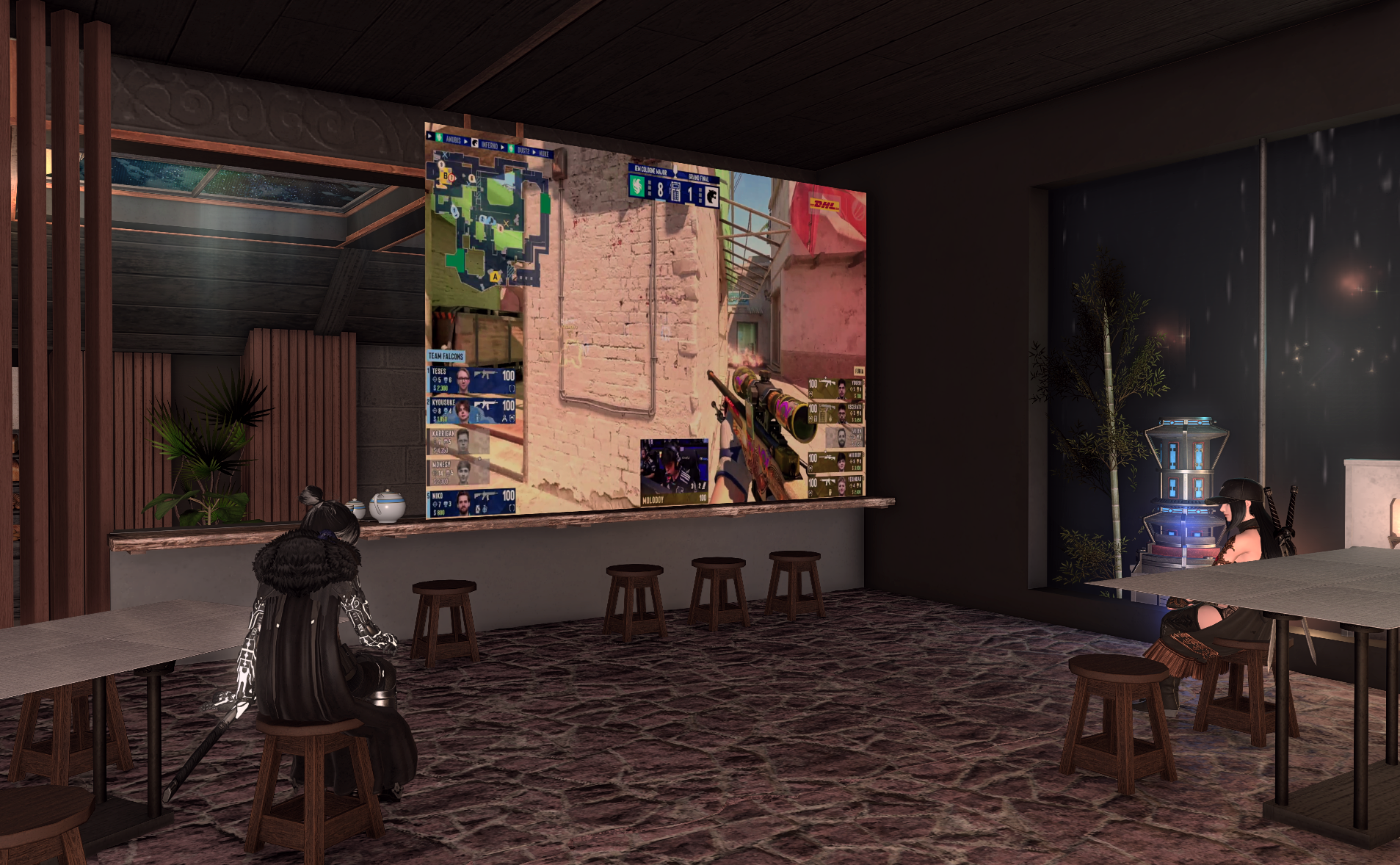
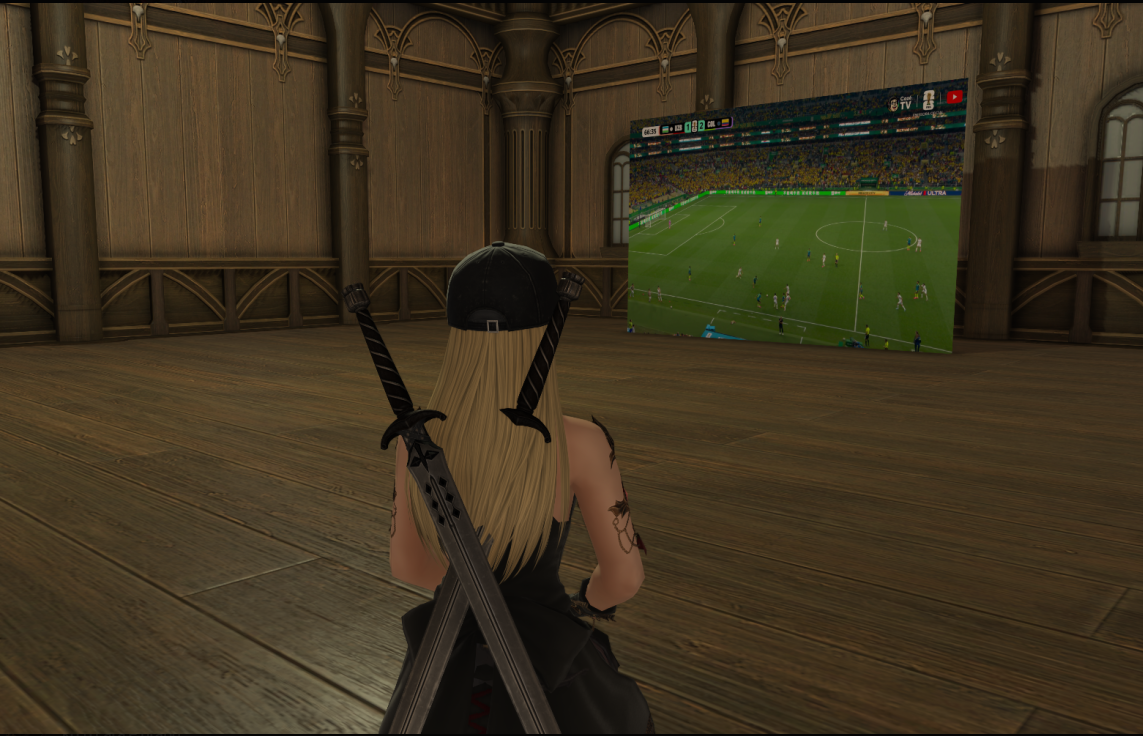
Bring the watch party into Eorzea
A cozy theater room, a tavern jumbotron, or a private listening lounge - AetherTV makes it real.
Watch together, in sync
The host broadcasts. Everyone else just watches - perfectly synchronized.
Any source
YouTube, Twitch, Kick, livestreams, even local files. Drop a link, hit play.
On a real in-game screen
Projected onto your minion with true occlusion - watch anywhere you go.
Playlists
Queue up videos, jump to next or previous. Keep the vibe going.
Host controls everything
Only the host needs cookies or setup. Friends just connect and chill.
Lightweight setup
One plugin, one mod. Be watching in under five minutes.
Three steps to showtime
Add the repo & install
Open Dalamud, add the AetherTV custom plugin repo, then install the plugin.
Host & share
Host a room, share the code with friends, hit play. Everyone watches in sync.
Get watching in 60 seconds
- 1
Open Dalamud settings
In the FFXIV chat, type:/xlsettings - 2
Go to Experimental → Custom Plugin Repositories
Paste the AetherTV repo URL and hit the + button, then Save.https://repo.aethertv.cloud/pluginmaster.json - 3
Install AetherTV
Open the plugin installer, search for AetherTV, install. - 4
Install the minion-screen mod
Required via Penumbra - XIV Mod Archive #112306 - 5
Open AetherTV in-game
Use the chat command:/atv/aethertv